 Image 1 of 4
 Image 2 of 4
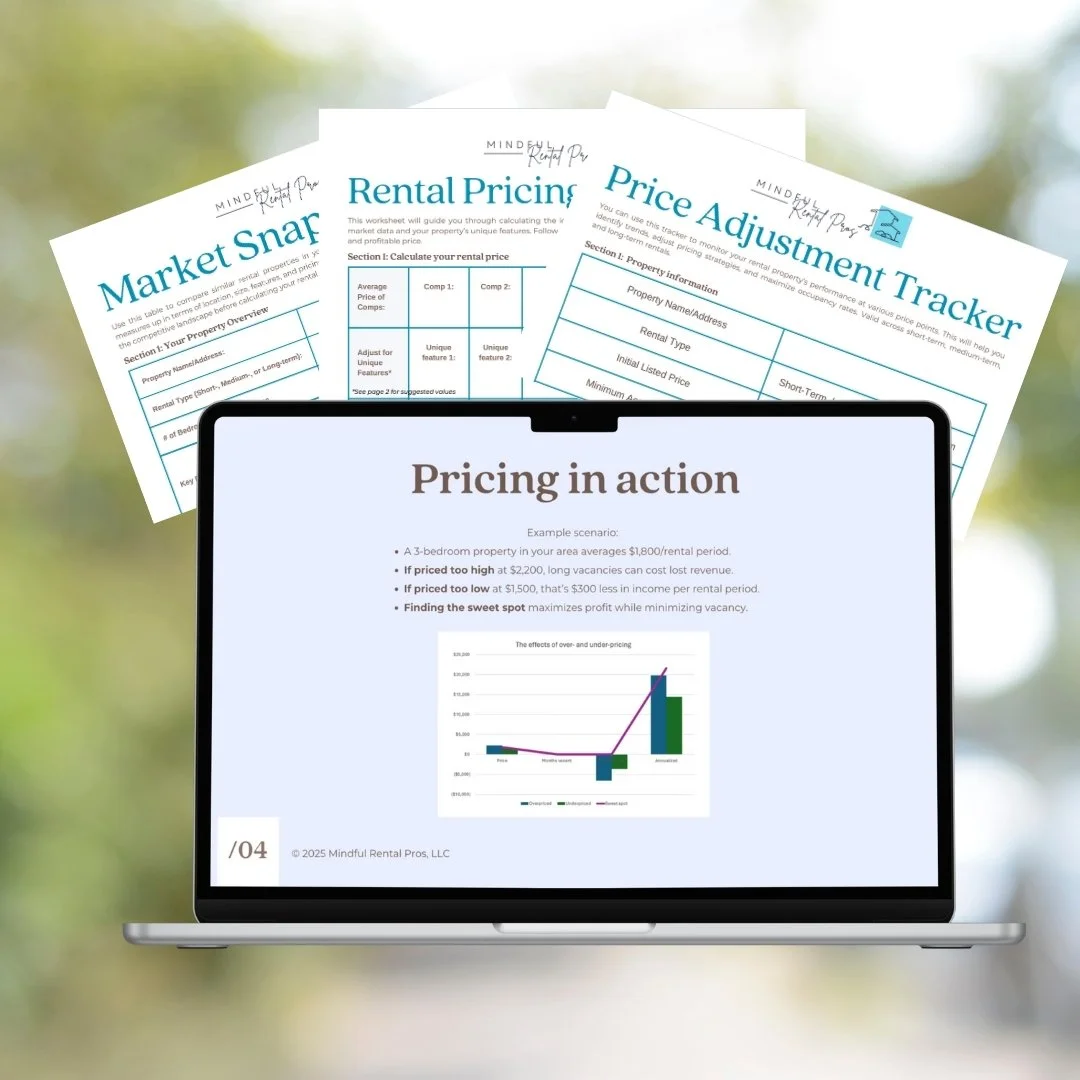 Image 3 of 4
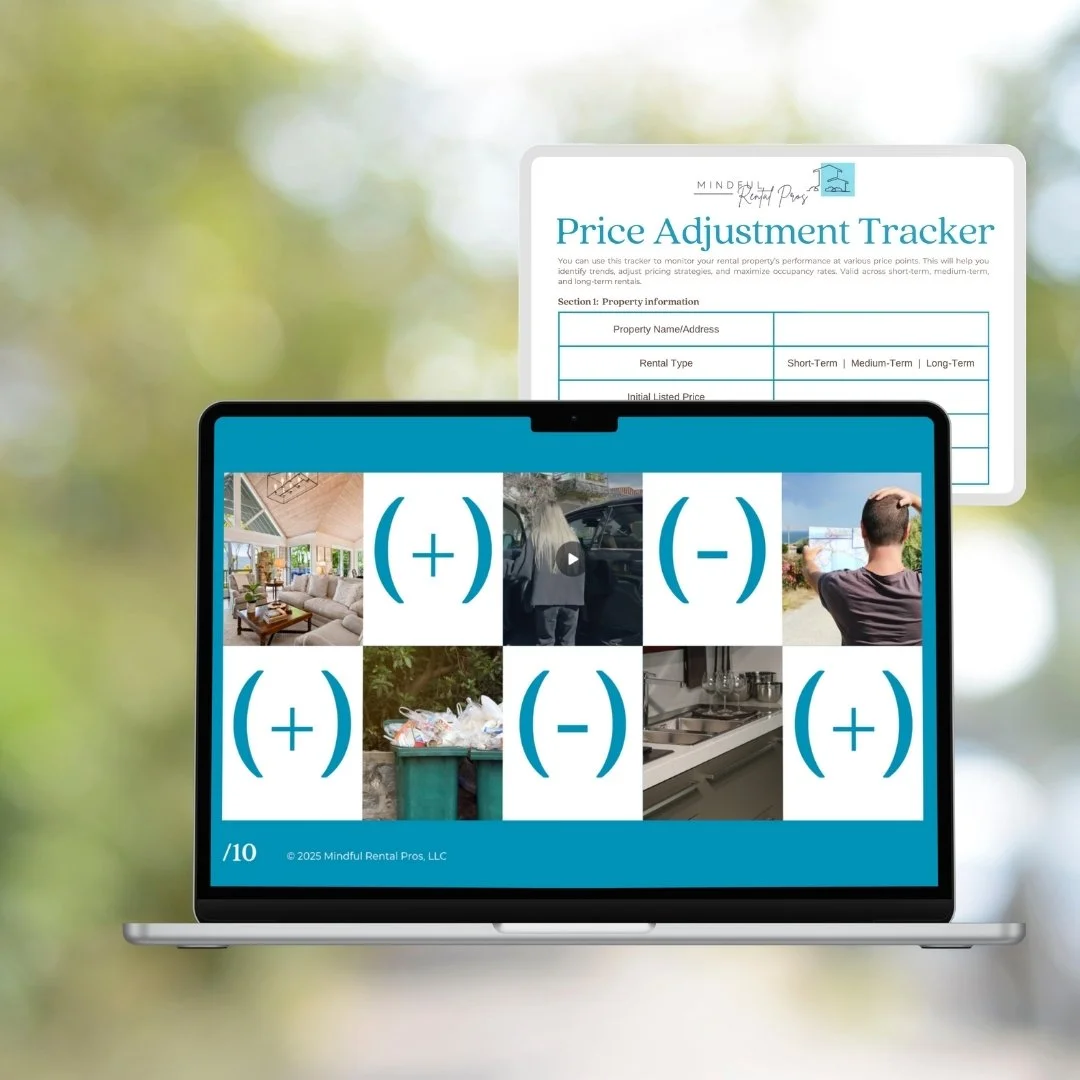 Image 4 of 4
Price your rental like you've already done this a hundred times
Three modules, three worksheets, one afternoon. Walk away with your ideal price, your floor, and the comps to back both up.
A chatbot can explain a pricing formula all day. It can't pull comps on your property, in your market, this week. This guide does that with you, module by module, until you've got your own numbers instead of someone else's example.
It also covers ground the dynamic pricing tools don't touch at all. PriceLabs, Beyond Pricing, and the OTA suggestion engines are built for short-term rentals. The moment you're pricing a medium-term stay, a long-term tenant, or a lease against a locum tenens nurse filling a hospital gap, none of those tools have an opinion. This guide does.
And it holds the line those tools won't: set a floor you won't go below, so a dynamic pricing algorithm chasing zero vacancy doesn't erode your profit while you're not looking.
What you get
Module 1: Understand your market. How to pull real comps from Airbnb, VRBO, Zillow, and the rest, filtered on your actual property, not a category average. Which features move the number in your favor and which ones (that dead-giveaway tiny kitchen, the parking nobody mentioned) work against you.
Module 2: Calculate your rental value. The formula applied to your numbers: comparable rent, plus your property's unique features, minus whatever the competitive landscape demands. Short, medium, and long-term guidance, since the algorithm-driven tools only cover one of the three.
Module 3: Test and adjust. The signs your price is off in either direction, how to hold your floor in a negotiation, and how seasonal or event demand should move your rate without you handing that decision to an algorithm.
Also included
Market Snapshot worksheet: your side-by-side comp comparison, filled in with your property's actual numbers
Rental Pricing Worksheet: runs your property through the formula, not a hypothetical one
Price Adjustment Tracker: logs what you tried and what it did to occupancy, so next season's decision is informed instead of guessed
A chatbot can hand you the formula. These three worksheets are where you actually do the math on your rental, and you keep them to run it again every time the market shifts.
This engagement is governed by the MRP Service Agreement. Please read it before purchasing.
Price your rental like you've already done this a hundred times
Three modules, three worksheets, one afternoon. Walk away with your ideal price, your floor, and the comps to back both up.
A chatbot can explain a pricing formula all day. It can't pull comps on your property, in your market, this week. This guide does that with you, module by module, until you've got your own numbers instead of someone else's example.
It also covers ground the dynamic pricing tools don't touch at all. PriceLabs, Beyond Pricing, and the OTA suggestion engines are built for short-term rentals. The moment you're pricing a medium-term stay, a long-term tenant, or a lease against a locum tenens nurse filling a hospital gap, none of those tools have an opinion. This guide does.
And it holds the line those tools won't: set a floor you won't go below, so a dynamic pricing algorithm chasing zero vacancy doesn't erode your profit while you're not looking.
What you get
Module 1: Understand your market. How to pull real comps from Airbnb, VRBO, Zillow, and the rest, filtered on your actual property, not a category average. Which features move the number in your favor and which ones (that dead-giveaway tiny kitchen, the parking nobody mentioned) work against you.
Module 2: Calculate your rental value. The formula applied to your numbers: comparable rent, plus your property's unique features, minus whatever the competitive landscape demands. Short, medium, and long-term guidance, since the algorithm-driven tools only cover one of the three.
Module 3: Test and adjust. The signs your price is off in either direction, how to hold your floor in a negotiation, and how seasonal or event demand should move your rate without you handing that decision to an algorithm.
Also included
Market Snapshot worksheet: your side-by-side comp comparison, filled in with your property's actual numbers
Rental Pricing Worksheet: runs your property through the formula, not a hypothetical one
Price Adjustment Tracker: logs what you tried and what it did to occupancy, so next season's decision is informed instead of guessed
A chatbot can hand you the formula. These three worksheets are where you actually do the math on your rental, and you keep them to run it again every time the market shifts.
This engagement is governed by the MRP Service Agreement. Please read it before purchasing.